Customizing your character
Your look is set from the main menu. Pick CUSTOMIZE under PLAY and you get a dressing room with four tabs, flipped with the arrows at the top. Apart from skin colour, a grid of swatches, every part is a numbered picker: press the arrows to step through the options.
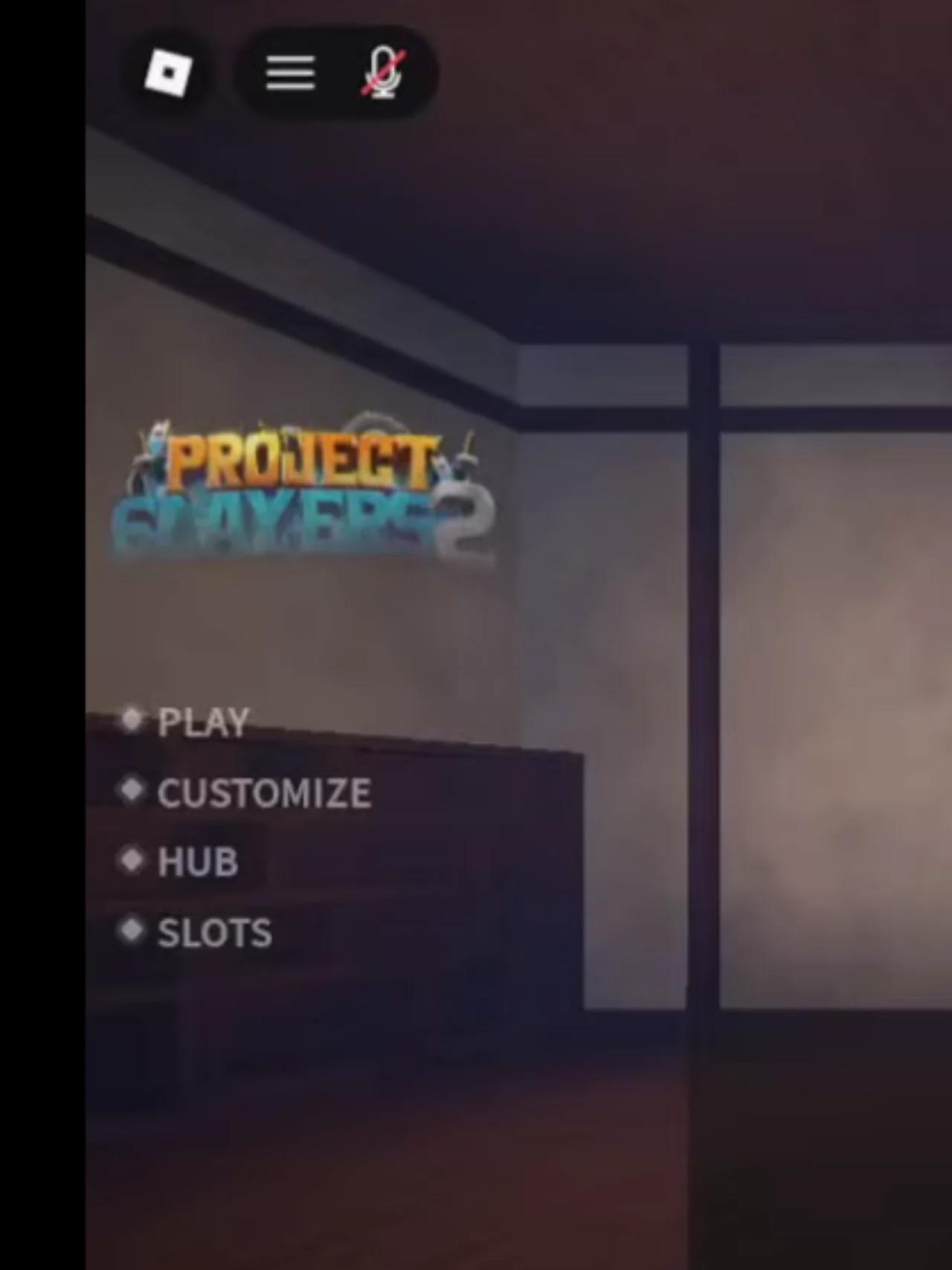
The main menu: PLAY, CUSTOMIZE, HUB, SLOTS.
The four tabs
First tab
Skin colour, and the clan roll: spin packs, the Roll button and the Clan Roll Rates list.
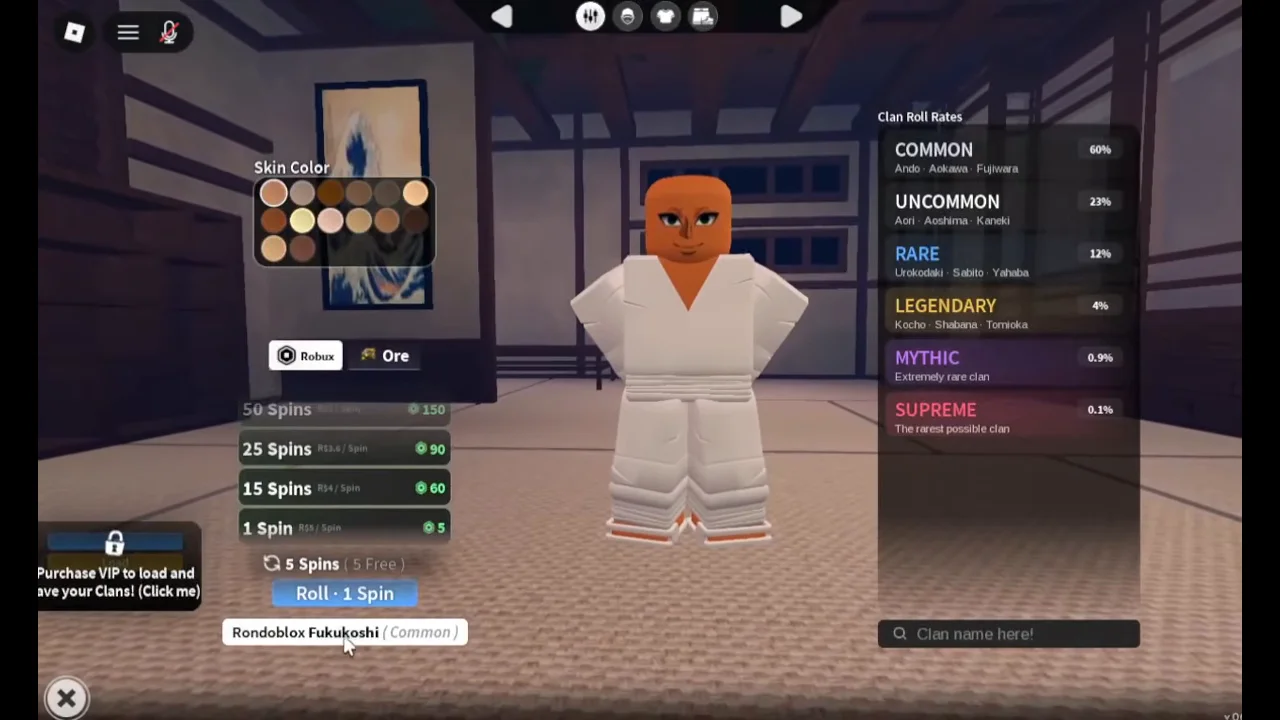
First tab:
Skin Colorswatches, the spin packs andRoll · 1 Spin, and theClan Roll Rateslist.Second tab
Face and hair: Primary Hair, Secondary Hair, Beard, Eyes, Nose, Mouth and Facial Accessory.
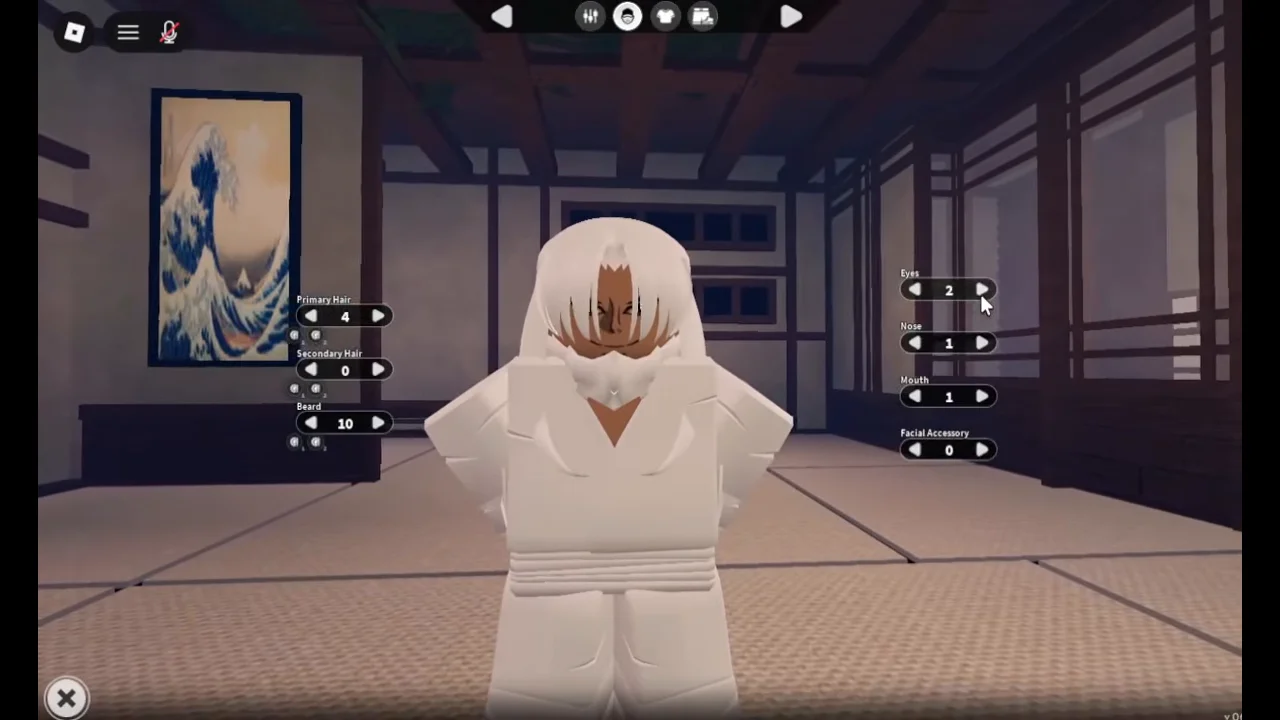
Second tab: number pickers for hair, beard, eyes, nose, mouth and facial accessory.
Third tab
Shirt.
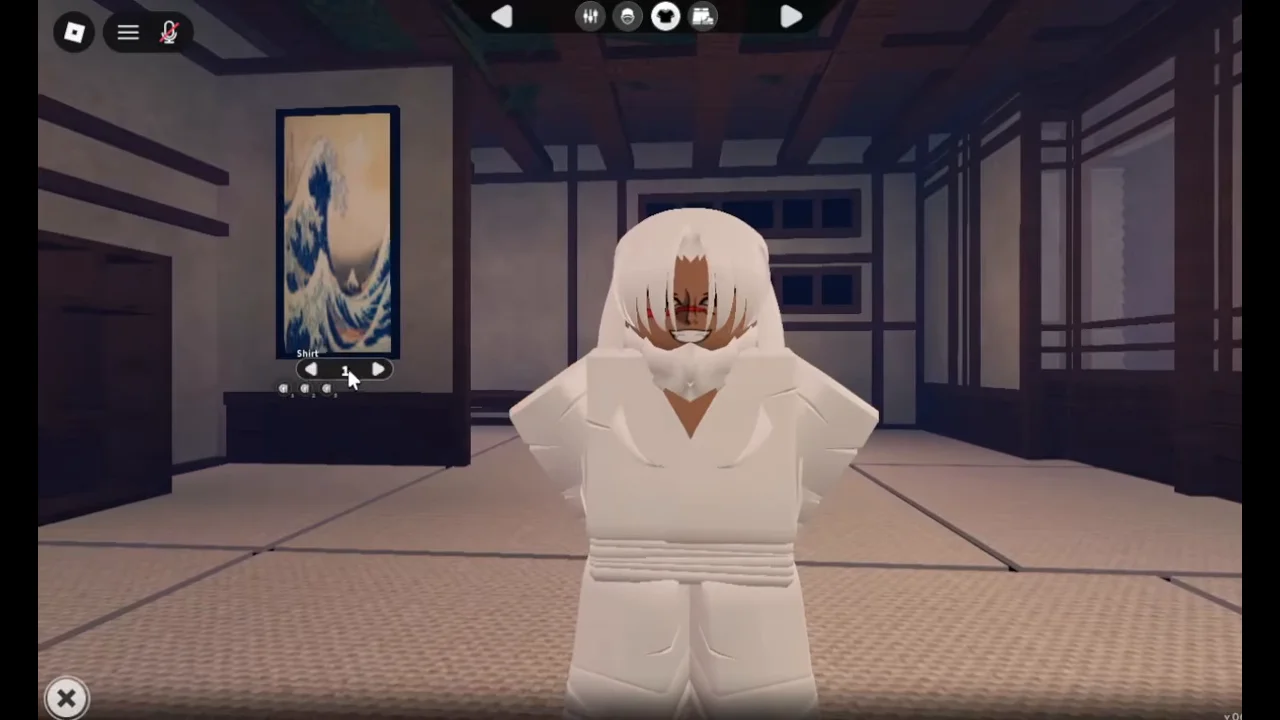
Third tab: the
Shirtpicker.Fourth tab
Pants and Shoes.
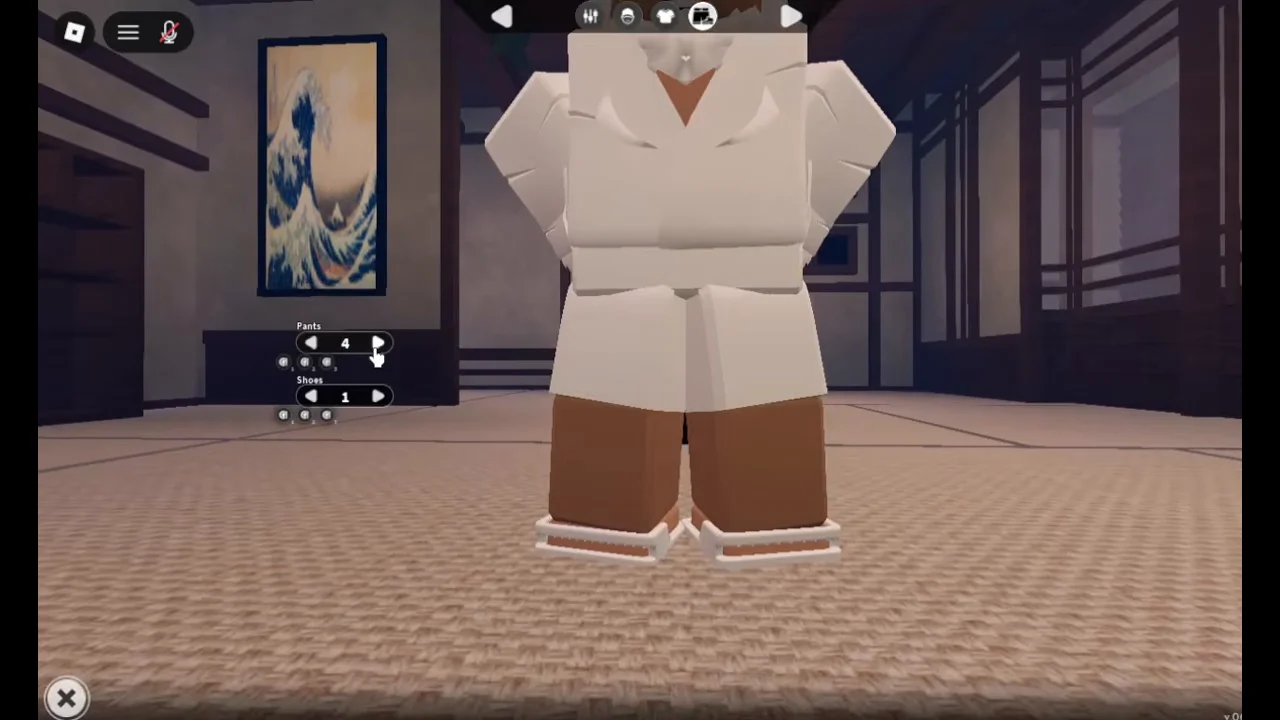
Fourth tab: the
PantsandShoespickers.
The pickers run high: one player’s hair sat on 69 and eyes on 74, so there is a lot to step through. The clan roll on the first tab is where spins are spent; what each clan does is on the clans page and how to get more spins on the spins page.
Two customization problems
- Everyone looks like grey blocks. Players report that picking facial accessory 26 on the second tab and rejoining brings the models back; another facial accessory may work too.
- Colours will not change on console. Console players report they cannot change hair or outfit colours. Players suggest doing it on a phone, or plugging a mouse into the console.
More fixes are on the controls and bugs page.
Gear that changes how you look
Once you are playing, what you wear also changes your look. The inventory has five Vanity slots next to the five stat slots, for wearing an item for its looks; which items are worth the stat slots is on the accessories page.